



Allegro Packets
Discover the Power of Real-Time Network Analysis with Allegro Packets!
Allegro Packets provides real-time and historical analysis of network traffic.
Self-developed In-Memory analysis technology, combined with powerful software algorithms, allow you to easily identify and resolve (over)loads and faults.
Allegro Packets stands out head and shoulders above the rest when it comes to diagnostic speed.
Offered network traffic is immediately made fully visible within the integrated intuitive web interface. With a mouse click, you can zoom in on detected anomalies and also back in time, using the same functions.

About Allegro Packets
Allegro Packetch has been on the market for several years now, and the company’s mission has remained unchanged. We continue to focus on fast and affordable troubleshooting devices for everyone, and work closely with our customers to stay ahead of the increasing complexity and needs of the market. Allegro products are constantly being developed, with each new release adding new features, and the troubleshooting capabilities are second to none.
Imagine the following challenges and complaints:
- Users complain about slowness in applications of your business processes;
- Network problems you can’t put your finger on;
- You are looking for answers to “yesterday it was working fine” and now it is not;
- Video meetings and/or phone calls falter;
- Lack of tangible facts and substantiation in pinpointing and problem solving;
- In project phase it worked perfectly -> after delivery it does not meet expectations;
- Problem solving is: investments are necessary but there are contradictions because you lack a rationale…
“should I expand the network, servers or applications first?” - Suspicion of cybercrime!? What, where and when is (something) going on!
Technical logs and reports are of no use to you in terms of content!
Instead of spending hours searching for the cause or having to switch gears from gut feeling, you have the substantiation with facts in your hands within a few clicks.
That’s the power of Allegro Packets!
User-friendly and Efficient
No hassle with complicated installations or lengthy configurations.
Just plug and play, power on and information is instantly available.
You always have visibility into all layers of the network and application landscape.
Allegro Packets “probes” are unmatched in scalability and available as portables and rack models. Any type of network environment is supported, with connectivity options ranging from 100Mb to 400Gb.
Faster Response Times with Clear Dashboards
The Allegro Packets concept gives you clear dashboards. The proprietary analysis technology behind the dashboards is lightning fast. So you can easily visualize bottlenecks within seconds with the click of a mouse. Real-Time or back in time with a zoom range (detail level) from days to milliseconds. Anomalies and needles in the haystack become visible – in short, you can solve problems faster and more effectively.
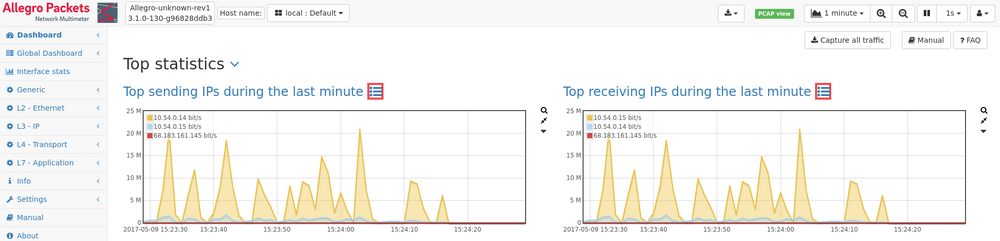
The dashboard translates the technical packet information into clear overviews.
- Performance behavior of applications
- Bandwidth usage
- Understanding where is the problem in network data traffic
- Statistics information such as Top X summaries
- You can also create your own dashboard with you preferences
In addition to dashboard, special modules for detail zooming include:
- Complete technical detail understanding of each TCP/IP connection
- VoIP and Video
- VLAN
- DNS
- Industrial Profinet
Allegro Packets’ Most Used Products
Below is an overview of the products offered by the Allegro Packets.
Portable
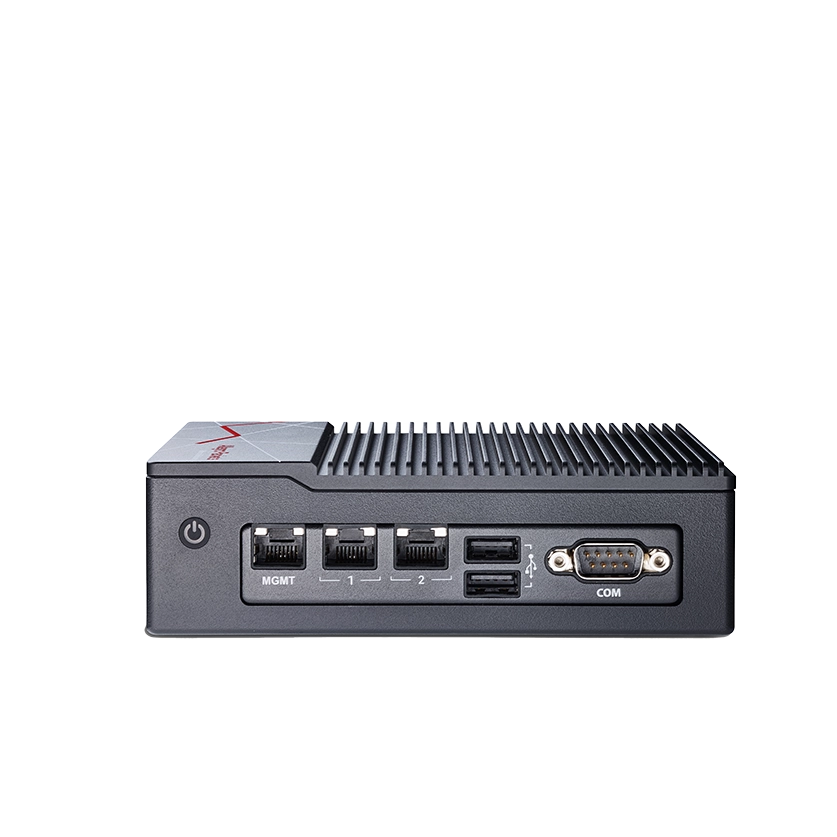
Allegro 500 / 510
| Measuring ports | 2 x 2.5G Base-T 2 x 1000Base-T |
| Performance max throughput | 4 Gbit/s max throughput |
| Memory analysis Internal database | 16 GB |
| Capture to disk integrated ring buffer | 960 GB – 15.36 TB |
Allegro 810 / 1010 / 3010
| Measuring ports | 2 x SFP28 3 x 1000Base-T 1 extension slot |
| Performance max throughput | 20 Gbit/s max throughput |
| Memory analysis Internal database | 16 – 256 GB |
| Capture to disk integrated ring buffer | Up to 33.6 TB |
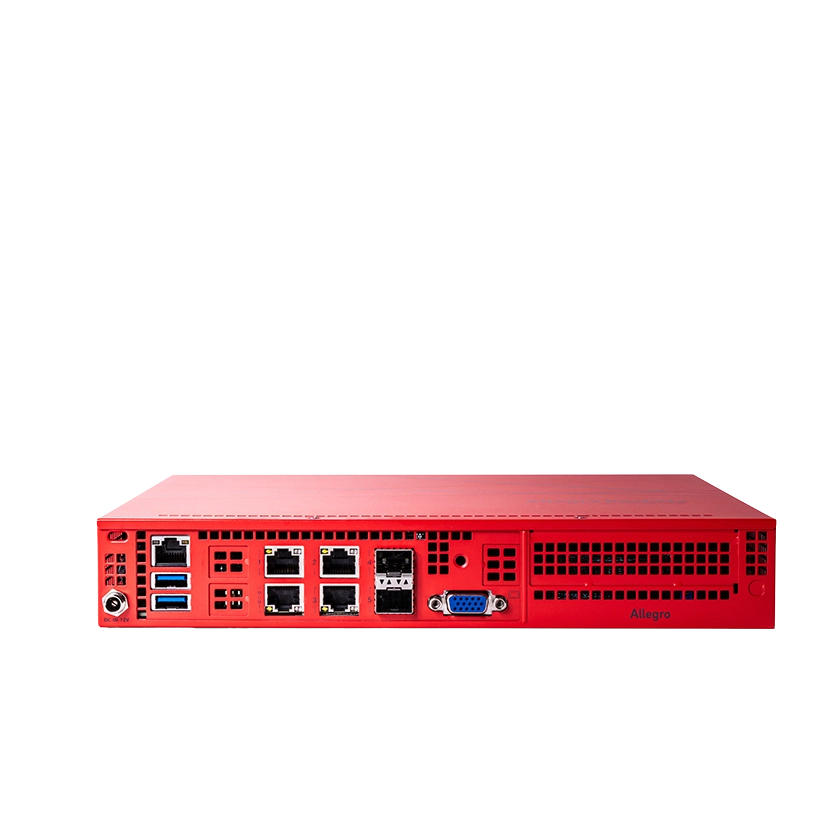
Portable / rackmount
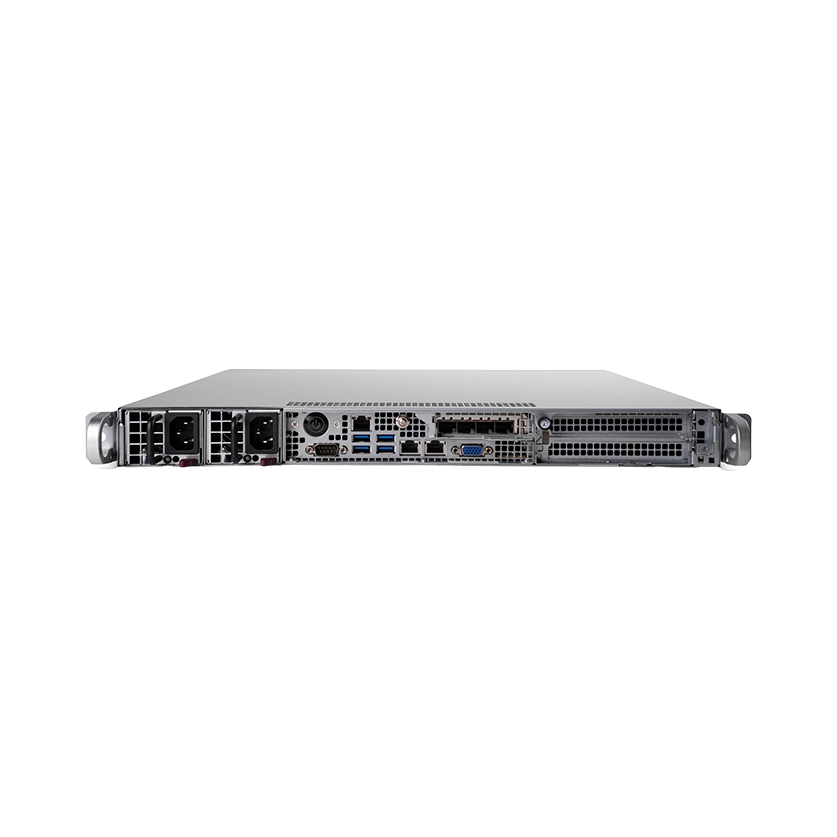
Allegro 1210 / 3210 / 5210
| Measuring ports | 4 x SFP+ 2 extension slots for up to 8 more ports |
| Performance max throughput | 120 Gbit/s max throughput |
| Memory analysis Internal database | 32 – 576 GB |
| Capture to disk integrated ring buffer | Up to 106.4 TB |
Rackmount
Allegro 1310 / 3310 / 5310 / 7310
| Measuring ports | 2 x SFP+ 3 extension slots |
| Performance max throughput | 240 Gbit/s max throughput |
| Memory analysis Internal database | 192 GB – 6 TB |
| Capture to disk integrated ring buffer | Up to 256 TB |
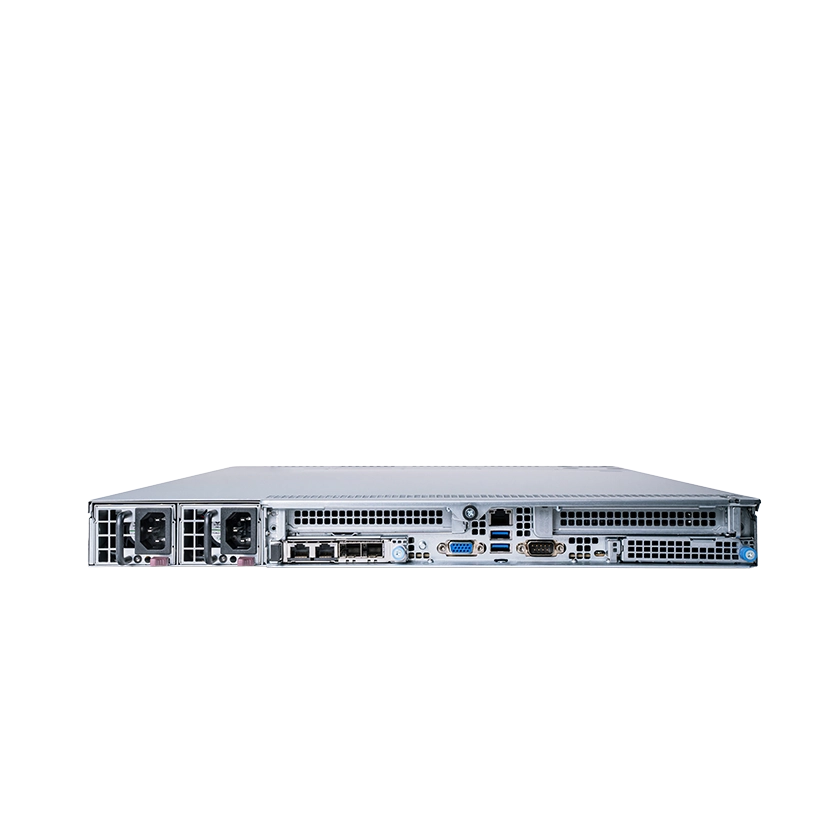
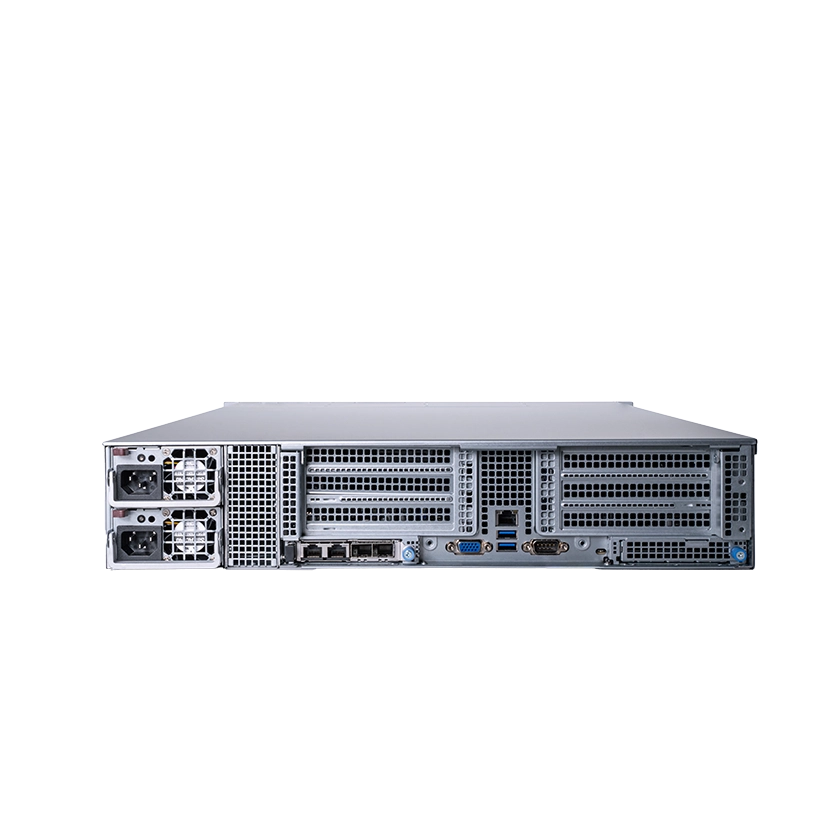
Allegro 1410 / 3410 / 5410 / 7410
| Measuring ports | 2 x SFP+ 7 extension slots (1 – 400 GBit/s) |
| Performance max throughput | 240 GBit/s max capture rate |
| Memory analysis Internal database | 92 GB – 6 TB |
| Capture to disk integrated ring buffer | Up to 307 TB extendable with JBODs |
Allegro 1510 / 3510 / 5510 / 7510
| Measuring ports | 4 extension slots (1 – 400 GBit/s) |
| Performance max throughput | 200 GBit/s max capture rate |
| Memory analysis Internal database | 192 GB – 3 TB |
| Capture to disk integrated ring buffer | Up to 678 TB expandable with JBODs |
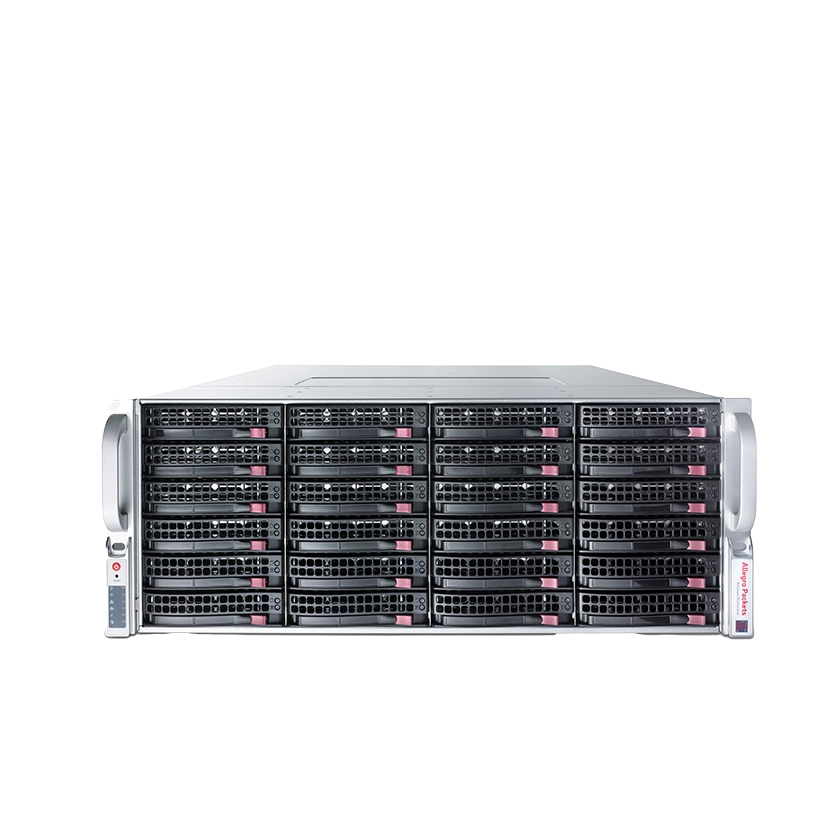
Allegro JBOD
Hard drive extension. Usable on all units from the Allegro 1010 requires one port extension slot for the HBA adapter
| Capture to disk integrated ring buffer | up to 792 TB |
Virtual
Allegro Virtual Edition
| Measuring ports | 1 x virtual mirror port |
| Performance max throughput | Hypervisor |
| Memory analysis Internal database | Hypervisor |
| Capture to disk integrated ring buffer | Unlimited |
Explanation :
- Extension slots are suitable for measurement cards
- Internal database, property analysis system
- integrated ring buffer, capture to ultra high-speed storage
Frequently Asked Questions
Why Choose Allegro Packets?
With Allegro Network Multimeter, you get not only a measuring device, but also a powerful management and troubleshooting tool for the benefit of optimal network performance.
What is so unique about Allegro Packets?
This solution is distinguished by its In-Memory Analysis technique, which analyzes and displays in-depth details per connection in Real-Time without having to store (capture) a single packet. This makes fault finding a matter of seconds, because no data has to be read from disk first (data mining). For daily management, there are also layered modules that are always available at no extra cost. In the dashboard, many technical layers (OSI model) are translated into information that can be sorted by most deviations or other parameters (bandwidth, operation of TCP/IP, TLS, VoIP/Video, DHCP, DNS, SMB, Profinet, DICOM, et cetera).
Are software update available and how does this work?
Immediately upon purchase, you can take out up to 5 years of software update and hardware warranty.
You will receive a substantial discount with this choice, and above all, you are assured of a conclusive and clear cost picture for the next 5 years.
Of course, you can also extend your software update and hardware warranty annually after the first year.
How quickly can I install the Allegro Network Multimeter?
Installation is plug-and-play and can be completed within minutes.
Can I use the equipment on the road?
Yes, Allegro Packets offers solutions and connectivity for virtually any type of situation.
Can I expand Allegro Packets?
This is certainly possible, depending on model and purchased warranty & service term, the upgrade is performed by Allegro Packets or by Analysis Networking. After memory upgrade or addition measurement card, the existing license and warranty will be adjusted.
Allegro Packets can be expanded with additional In-Memory Database memory.
Most models are equipped with one or more expansion slots for additional measurement cards from 100Mb to 400Gb Ethernet. All models are flexibly configurable or expandable with packet-capture storage.
Do you also offer training courses?
Of course, with full package concept there is always in-house hands-on training.
After this training there are no more secrets about the Allegro Packets.
The hands-on assignments will involve measuring with diagnostics in your own network.
In addition, we offer specialized protocol analysis training for “bits & bytes” as well.
What if I need help using the device?
We can certainly help you if you have any questions. Analysis Networking specializes in measurement with measuring instruments and measurement data analysis. Feel free to contact us and we will help you further.
Want to know more? Feel free to contact us:
Allegro Packets via Analysis Networking
We are happy to help you with our expertise, effective tools, hands-on training and reducing MTTR window and operational costs. Whether it’s Allegro Packets’ Network Multimeter or other measurement tools. For more information, contact Bob Melgers, at info@analysisnetworking.com or + 31 (0)527 65 32 00.